Your CAPTCHA Is Blocking ChatGPT: The AI Crawler Visibility Playbook
By Jakub Zelený
TL;DR
Most brand-visibility damage in AI search happens before a single line of content is written. Cloudflare Managed Rules, AWS WAF baseline rules, and Super Bot Fight Mode style toggles block GPTBot, ClaudeBot and PerplexityBot by default on millions of sites. If you do not actively allow them, you are invisible to the models that answer your customers' questions. This post shows how to spot the block in your own logs and gives you the copy-paste robots.txt and WAF rules that keep you in the answer set.
Why This Matters Right Now
Browser Use's Luka Secilmis published Prove You Are a Robot on April 13, 2026: a tongue-in-cheek reverse-CAPTCHA that locks humans out and lets agents in. Hacker News pushed it to the front page within a day. Underneath the joke sits a serious shift. CAPTCHAs, bot-fight rules, and JavaScript challenges are becoming the default posture of the web, and model providers are not going to beg for whitelists.
When we started tracking answer coverage for Be Recommended customers, one pattern kept showing up. "Your robots.txt is fine, but your edge is blocking us." It is the single most common reason a brand is missing from ChatGPT, Perplexity and Claude answers. It is also the easiest to fix.

The Problem Map: Where AI Crawlers Get Blocked
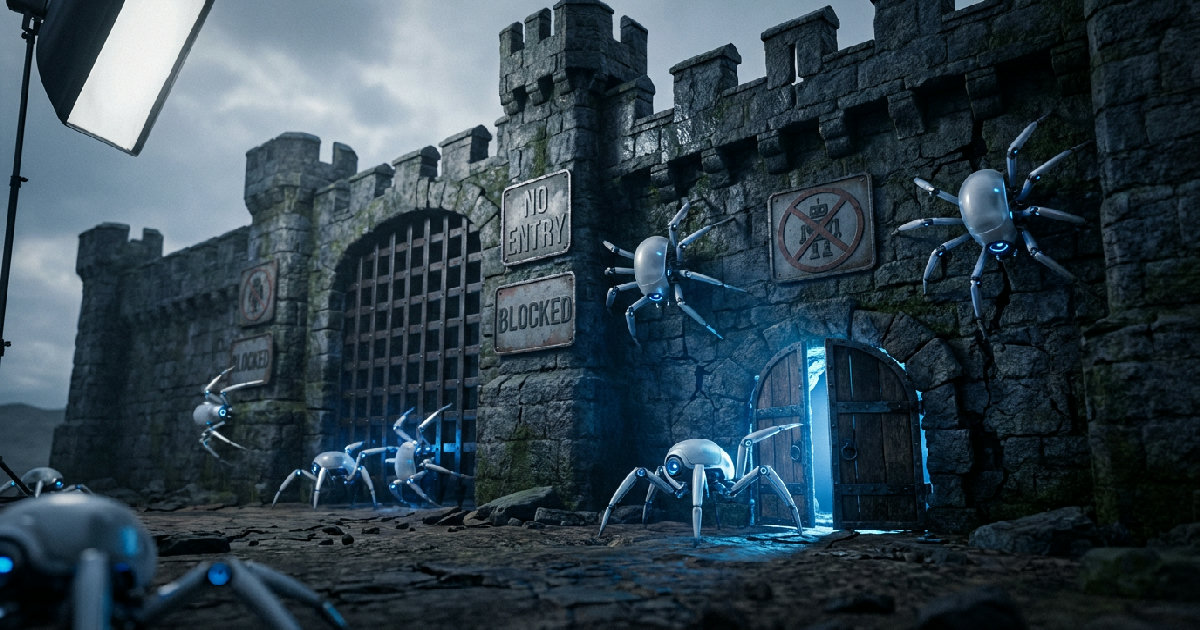
Bot protection hits AI crawlers at three layers, often without anyone on the team noticing.
- Edge and WAF rules. Cloudflare's default Bot Fight Mode and Super Bot Fight Mode flag non-browser requests. AWS WAF's "Amazon IP reputation list" and "Anonymous IP list" collapse low-reputation ranges, which includes model provider IPs that rotate heavily. Fastly, Akamai Bot Manager, and Vercel's firewall all ship similar defaults.
- Application-level JavaScript challenges. Any SPA that renders content only after a JS execution is functionally invisible to crawlers that do not run JavaScript. GPTBot, ClaudeBot and PerplexityBot read raw HTML. If your initial HTML is empty, so is their index of you.
- Silent robots.txt. Many CDN wizards auto-generate a robots.txt that allows Googlebot and leaves the AI user-agents unlisted. Omission is not permission when you layer a strict WAF on top. The bot still gets challenged.
Any one of these is enough to make a brand functionally absent from AI answers.
Diagnose in 15 Minutes
Before you change a single rule, confirm the problem with your own data.
1. Grep your server logs for AI user agents. Look at the last seven days:
grep -iE 'GPTBot|ClaudeBot|PerplexityBot|Google-Extended|Meta-ExternalAgent' access.log | wc -l
Healthy sites on our tracker see at minimum two to three hundred hits per week across these agents. Zero to single digits means you are being blocked, or you have never been discovered. Either way, the fix is the same.
2. Check status codes. A 200 OK response means you are in the answer set. 403 Forbidden, 429 Too Many Requests, or 503 Service Unavailable means your WAF is the problem. 404s mean content missing, not blocked.
3. Reproduce with a raw curl. From a clean IP, pretend you are GPTBot:
curl -A "Mozilla/5.0 (compatible; GPTBot/1.2; +https://openai.com/gptbot)" \
     -I https://yourdomain.com/
200 OK means your edge is letting GPTBot through. 403 or a Cloudflare challenge page identifies the culprit.
The Fix Playbook: Copy and Paste
Apply these in order. Budget 20 minutes end to end.
robots.txt at the root. Explicitly allow the major AI crawlers. No wildcards, no guessing.
User-agent: GPTBot
Allow: /

User-agent: ChatGPT-User
Allow: /

User-agent: OAI-SearchBot
Allow: /

User-agent: ClaudeBot
Allow: /

User-agent: PerplexityBot
Allow: /

User-agent: Perplexity-User
Allow: /

User-agent: Google-Extended
Allow: /

User-agent: Meta-ExternalAgent
Allow: /

Sitemap: https://yourdomain.com/sitemap.xml
Cloudflare. In Security, Bots, switch Super Bot Fight Mode off at the root or create a Configuration Rule that skips "Verified Bots" for GPTBot, ClaudeBot and PerplexityBot. Cloudflare added these as verified bots during 2025, but custom rulesets often override verification.
AWS WAF. In your Web ACL, add a rule above the AWS managed rule groups that inspects User-Agent for the same list and terminates with Allow. Managed rules default to block, so order matters. Same pattern works for Akamai Bot Manager custom rules.
Application layer. Serve plain HTML for known crawler user agents even if the rest of the site is an SPA. Pre-render the page, cache the HTML at the edge, and skip any JavaScript challenge for these agents. If you run Vercel or Cloudflare Pages, this is a one-line edge middleware change.
After you ship, re-run step 2 of the diagnostic. Hits should show up within 24 to 72 hours.
What to Do Next
The CAPTCHA-vs-agent conversation is going to get louder as model providers scale crawl budgets through 2026. Browser Use's reverse-CAPTCHA was half prank, half warning shot. The signal for brands is simple. The default stance of your CDN is now an content decision. Audit it the way you audit your meta tags.
If you want to know which answers you are already missing from, Be Recommended tracks brand coverage across ChatGPT, Perplexity, Gemini and Claude and tells you the exact queries where your brand is invisible. Start with a free scan at berecommended.com.
FAQ
Does allowing GPTBot hurt my Google SEO?
No. GPTBot is a separate crawler from Googlebot. Allowing it has no effect on Google search ranking. Google-Extended is the one that controls whether Google uses your content for Gemini training, and both can be configured independently.
Will ChatGPT scrape my paid content if I allow GPTBot?
GPTBot respects Disallow directives at the path level. Block specific paths like /members/ or /app/api/ while allowing the public marketing site.
How long until AI engines see the fix?
In our tracker, the first GPTBot hit typically lands within 24 hours of a robots.txt change. Perplexity and Claude catch up within a week. Answer coverage in the models themselves shifts on a 14 to 30 day lag.
What about Meta-ExternalAgent and Meta-ExternalFetcher?
These are newer and under-documented. Allow them if you want Meta AI and Instagram AI features to cite your brand. Their crawl volume is still small in 2026 but growing month over month.
Sources
- Luka Secilmis, Prove You Are a Robot: CAPTCHAs for Agents, Browser Use, April 13, 2026.
- OpenAI, GPTBot documentation.
- Anthropic, ClaudeBot crawler policy.
- Perplexity, PerplexityBot and Perplexity-User.
- Google, Google-Extended and Google crawlers overview.
Stay ahead of the AI curve
Get weekly insights on AI visibility, search optimization, and brand strategy — straight to your inbox.